![Group 11.svg]](https://support.iris.audio/hubfs/Group%2011.svg)
IRIS Clarity is available to download from the IRIS Clarity tab of your account dashboard. You can download it for Mac or Windows.
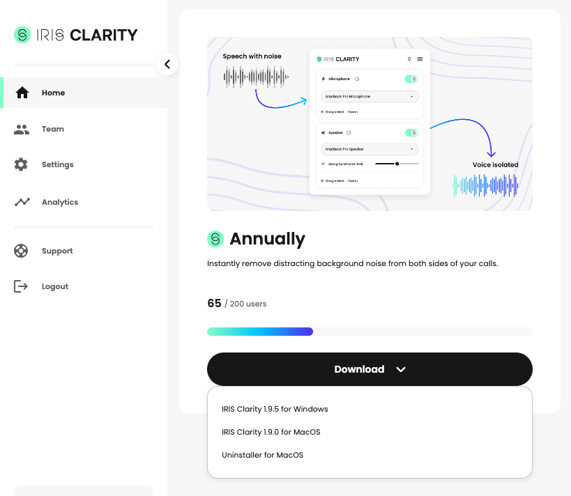
Mac
The Mac application is available as a .pkg file. A dedicated uninstaller is also provided to clean up any remaining files or data after uninstalling. You do not need to run the uninstaller between version upgrades.
Windows
System requirements: Windows 10 (64-bit) or later.
The Windows application is available as a .msi file, compatible with app distribution services such as Microsoft Intune. You do not need to uninstall the previous version when upgrading — however, if you run into any issues, we recommend fully uninstalling the existing app before installing the new version.
App Updates
IRIS Clarity does not update automatically. When a new version is available, you will receive an in-app notification. To update, visit the account dashboard and download the latest version.